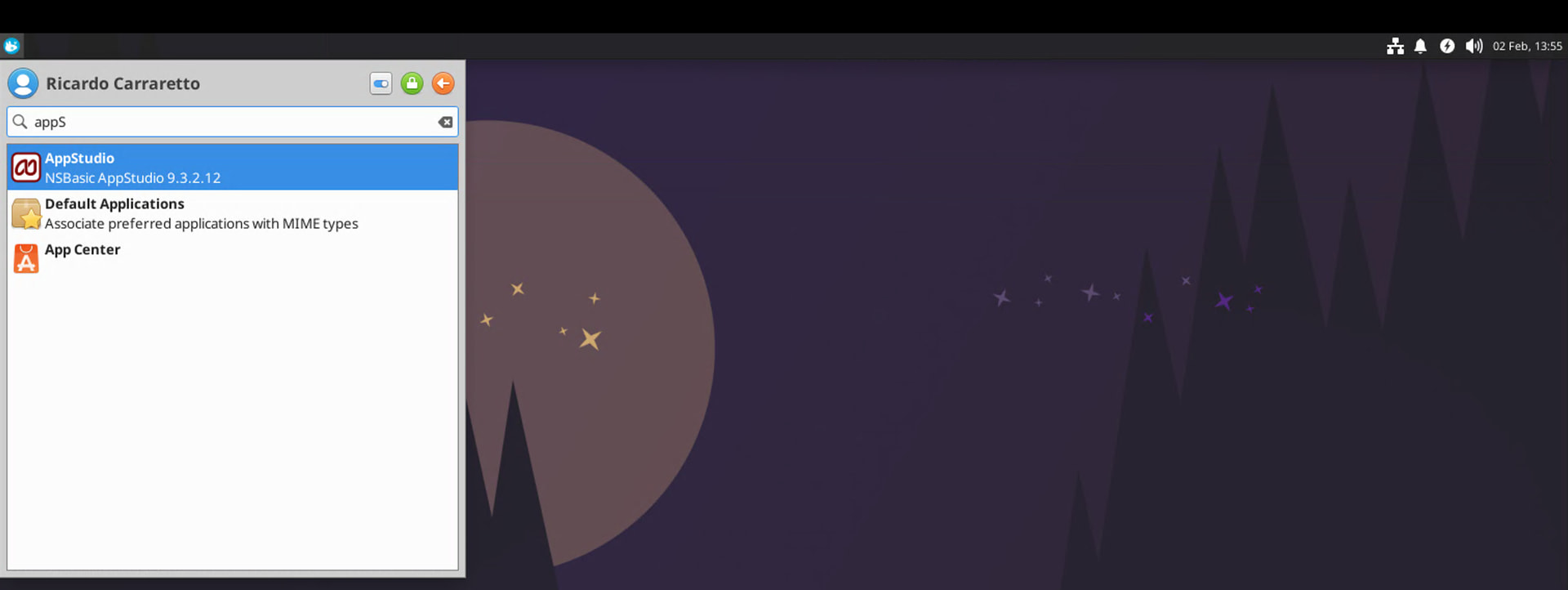
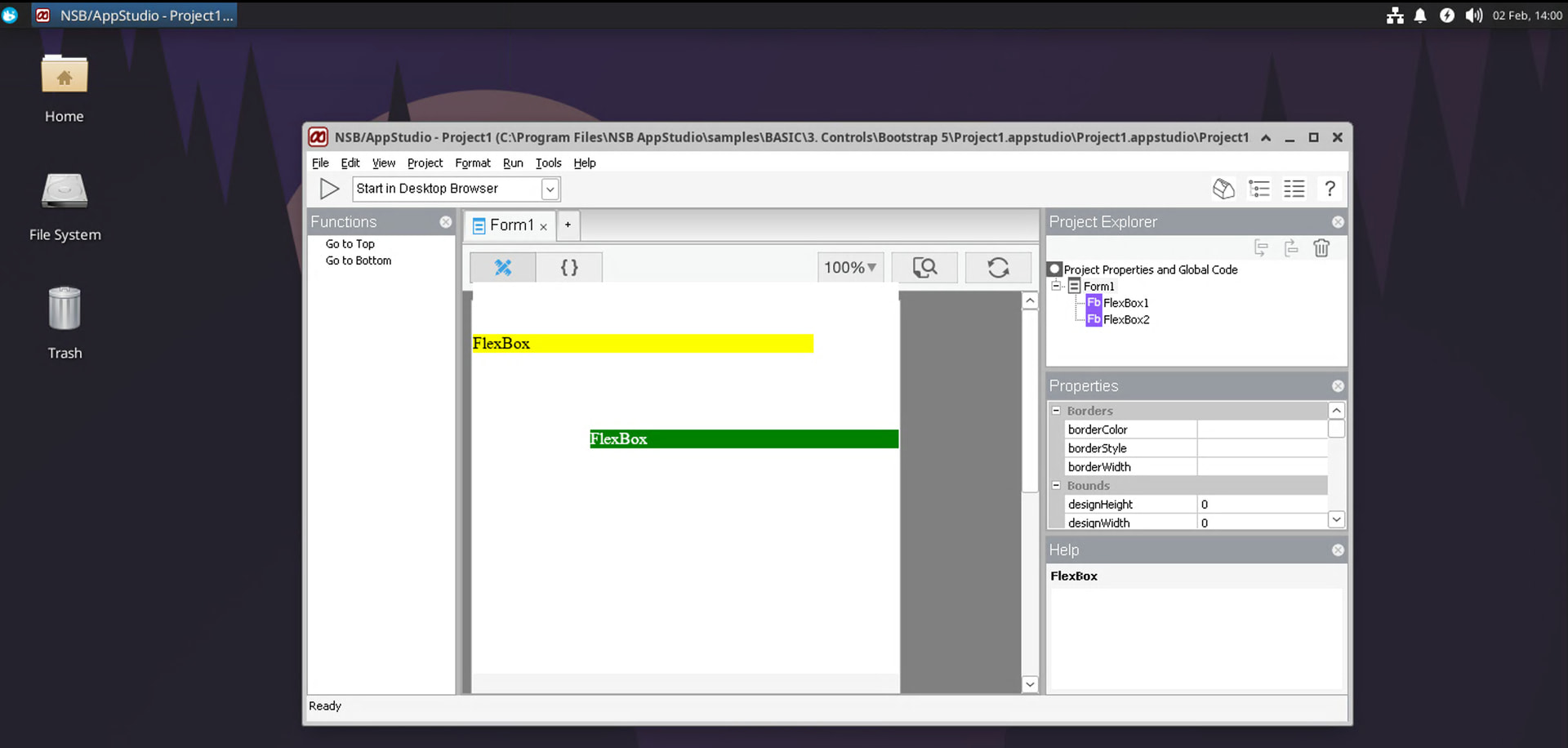
Hi - anyone got any experience of doing this? Is it possible?
Thanks
Richard
Hi - anyone got any experience of doing this? Is it possible?
Thanks
Richard
We’ve had reports of people doing this successfully. I have not tried this myself. I know one of the guys here has experimented with running AppStudio on Linux.
Hey George and Richard,
AppStudio itself has always behaved well under Linux with Wine, but there were problems with the underlying/adjacent components (Node.js and Microsoft Webview2 Runtime). With the updates done over the past few years for both Wine and AppStudio, it is now possible to fully run AppStudio with Wine:
Here is what you have to do (I’m using Ubuntu as reference, but you can find similar guides to your favorite distro):
If your Bottles version does not show the option to download the “ge-proton-10-29” runner, you can install ProtonUp-Qt (also a flatpak app - Proton-Up Qt Flatpak install). It will allow you to download and add this runner to your Bottles environment.
Kind regards,
Ricardo Carraretto
Excellent write-up! I think we’re going to start seeing more and more people moving to one version of Linux or another.
This is great, Ricardo. Thanks for posting it!
My pleasure! It is about 95% as good as running natively under Windows/Mac, which I consider good enough for a compatibility layer like Wine (much less overhead than running inside a Windows VM). The form ends up being a few pixels bigger than the design screen, but nothing that makes it impossible to use.
Quick update: it seems this whole structure is very sensitive to a combination of product versions. Latest combination that worked was:
AppStudio: 9.5.1
Bottles: 65.3
Runner: proton-GE (ge-proton-11-3)
DXVK: 3.0.2
VKD3D: vkd3d-proton-3.0.1-3-074c5b6
Windows version (inside the Bottle): Windows 10
Platform: x64
Webview2: 151.0.4129.59-12 x64 (https://wapt.tranquil.it/store/en/wapt/tis-webview2_151.0.4129.59-12_x64_windows_10.0_PROD.wapt - this is a compressed ZIP archive)
Thanks for the info!
I’m not surprised that it’s sensitive to combination of the correct version numbers. That’s the real world today. 
It had it working under other combinations, but it is very easy to break. One funny thing is that if you " duplicate" the Bottle (which supposedly brings a full copy of the Bottle available to use), it stops working. My recommendation is that once it works, don’t change it. If you want to try an updated WebView2 runtime or a new AppStudio release, just build a new Bottle.
Side note: it also worked with the above Bottle config set as " Windows 11" .
This bottle (65.3, ge-proton-10-34, DXVk 2.7.1, VKD3d proton 3.0) works for me with AS 9.4.6.1 in Linux Mint. It’s running better/faster now then in my Windows 10 which is still on the same computer in a separate bootable drive. Don’t know why it was so slow on my Win10 OS. Others may not experience the same. Running AS in a VM would probably have worked, but with sand boxing the Linux file system (with the exception of external USB drives) making it a lot more cumbersome, plus VMs are slower.
I still have Win10 on this computer and can BIOS/UEFI boot to it if necessary, but haven’t needed to run Windows in months now so eventually I’ll reuse it’s drive for more Linux storage.
Thanks a bunch Ricardo.