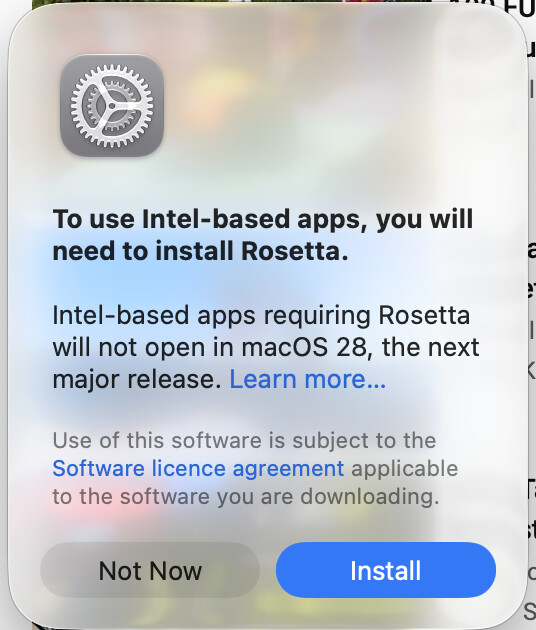
Hello,
Running on an M1 Macbook Pro, macOS Tahoe 26.6.2
Just before updating AppStudio 9.5.1 to 9.5.3, I got a strange notification popup:
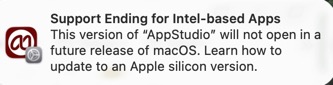
I had seen this notice come up before quite awhile ago, but did not think much of it.
Not sure if it is a result of updating by just installing overtop of existing program. When I drag the AppStudio to the Application folder, I indicate to Replace and not Keep Both.
AppStudio still runs fine.
So to be sure there is no extraneous files that may be present I performed the following steps:
Dragged AppStudio from Applications to the Trash.
Deleted ~/Library/Preferences/App Studio Preferences.
Restarted Macbook.
Emptied Trash.
Reinstalled AppStudio.
I will let you know if I see the notification popup again.
Just wanted to share this information in case there is something you need to investigate.