No difference here
auto upload err:
BUILD SUCCESSFUL in 12s
55 actionable tasks: 55 executed
Built the following bundle(s):
/platforms/android/app/build/outputs/bundle/release/app-release.aab
manual upload err:
[Google Play Store] Getting credentials from certificates/google.json
[Google Play Store] Authenticating
[Google Play Store] Requesting access to upload a new release
Error requesting access to upload a new release to the Google Play Store:
<HttpError 404 when requesting https://androidpublisher.googleapis.com/androidpublisher/v3/applications/com.nsbasic.mathxEX/edits?alt=json returned “Package not found: com.nsbasic.mathxEX.”. Details: “Package not found: com.nsbasic.mathxEX.”>
Build ec970a21-2df8-4e41-90a2-795b31140701 failed
Your Android App Bundle is signed with the wrong key. Ensure that your App Bundle is signed with the correct signing key and try again. Your App Bundle is expected to be signed with the certificate with fingerprint:
SHA1: 5F:C5:C6:2A:58:A3:43:5F:4A:DD:8C:AE:BF:FF:15:9F:5F:AC:B7:F1
but the certificate used to sign the App Bundle you uploaded has fingerprint:
SHA1: 25:D9:8F:0F:F5:31:9A:18:D2:02:7E:C7:A6:B3:1D:83:62:AA:5C:BF
Release details
Ignore me for the moment.at least i got one app uploaed.focus on bsommer app at the moment.i will refrain from replying to this post for the time being.
@tst
Thanks a lot. Very interesting how similar the errors are and sometimes different too.
When I do a manual upload to Google Release, (Offene Tests) Open tests, I would get this error:
“Für neue Apps müssen Android App Bundles mit einem RSA-Schlüssel signiert sein.”
(For new apps Android App Bundles need to be signed with an RSA-key).
I always thought my .keystore was built with RSA-key and the app signed with this keystore.
(slapping my face hard)sorry for replying to this post,just to tell you “did u see an option -use key provided by google?”
No. Never. At least I cannot remember having seen this at a relevant step
I went all over the place in play store.cant remember where did i use playstore google managed key.i just search in playstore,cant find any cue.only can attach this pic
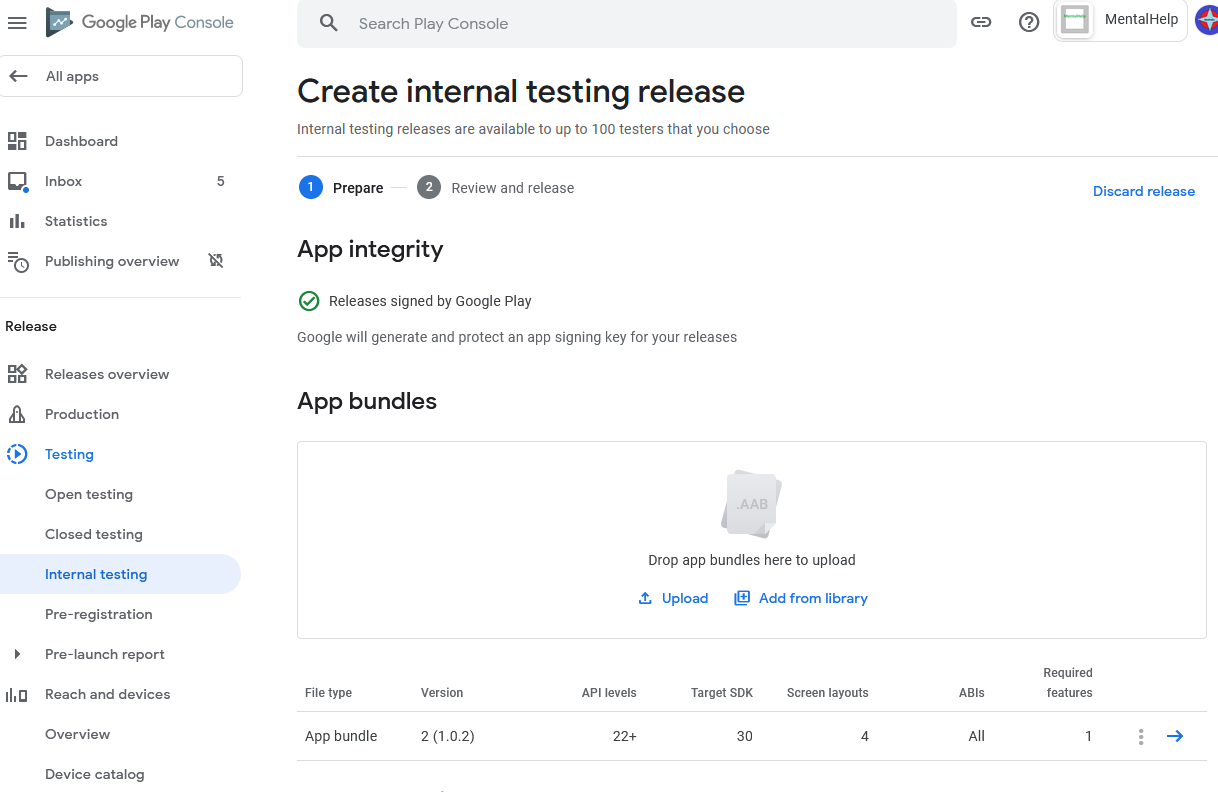
Another thing, i went for internal testing first.
Internal testing does not work for me either. I get RSA key missing error:
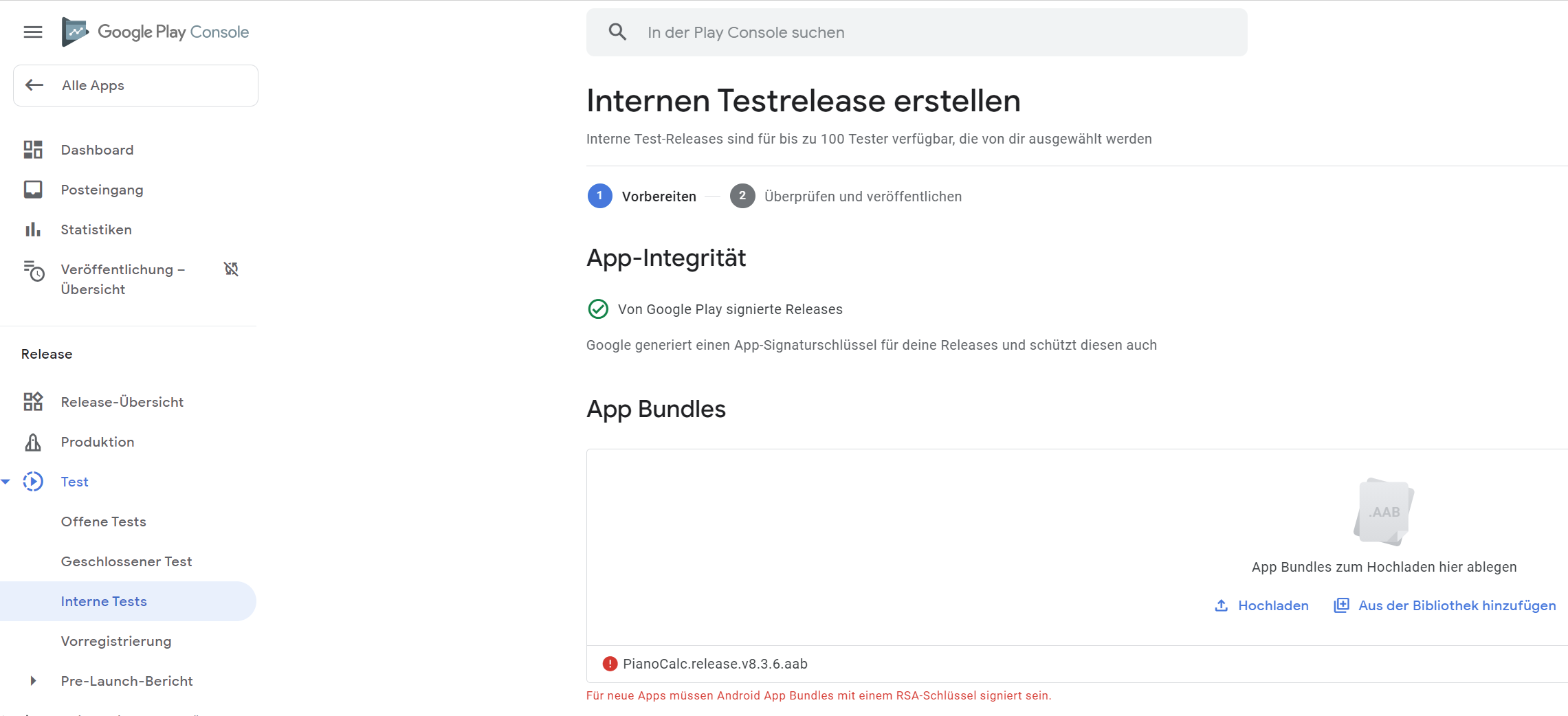
In order to get a local build of a bundle I needed to delete the Play Store Key from AppStudio properties. One might assume that this could be the reason why Google says the key is missing.
If i am not wrong,voltsigner should produce a keystore file,not a .p12 file.
.p12 file is for iphone.
I really had restrained from asking you or support, why you have a .p12 file for Android (instead of .keystore). I did some research at first and learned that people say one can use .p12 with Android apps as well.
Ok,i admit i am wrong.sorry,nsbasic team.
Each contribution helps to understand things better and hopefully leads to a solution of our problems.
Bernd
It seems that my keystore key length is 1024 bit. Could it be that this is too short to be recognized as a RSA key by Google?
Hi tst,
because my keystore always hat worked with signing apk packages, I did not care that the keystore was a very old one, algorithm not RSA and only 1024 bit. With the Windows app KeyStore Explorer I checked that I had a newer keystore with RSA and key size 2048. So I used this newer RSA and 2048 keystore with AppStudio. A new build to Play Store could not be done. Log as usual: File de.bsommer.pianocalc not found. After this I made AppStudio build a local aab bundle. This did it. I could successfully upload manually to Play Store. Indeed no more an error like “must be RSA”.
Congrads,you’ve done it!
However,i tried manually upload internal testing with .aab and have this err:hi, George,can u configure the .aab such that both bsommer and mine app both are able to successfully upload .aab to playstore?
Your Android App Bundle is signed with the wrong key. Ensure that your App Bundle is signed with the correct signing key and try again. Your App Bundle is expected to be signed with the certificate with fingerprint:
SHA1: 5F:C5:C6:2A:58:A3:43:5F:4A:DD:8C:AE:BF:FF:15:9F:5F:AC:B7:F1
but the certificate used to sign the App Bundle you uploaded has fingerprint:
SHA1: 25:D9:8F:0F:F5:31:9A:18:D2:02:7E:C7:A6:B3:1D:83:62:AA:5C:BF
Release details
I’ve spent the last few days working on documenting this process to make it easier for our users. I should be able to help you get up and running. I have a few questions:
- Did you generate your android keys with VoltSigner, or something else?
- Are you using Play App Signing (keys managed by google) or your own keys? You can determine this by going into the play console, clicking on the app, and then clicking on Setup->App Integrity.
This will help me to guide you through the rest of the process. Thanks!
- James
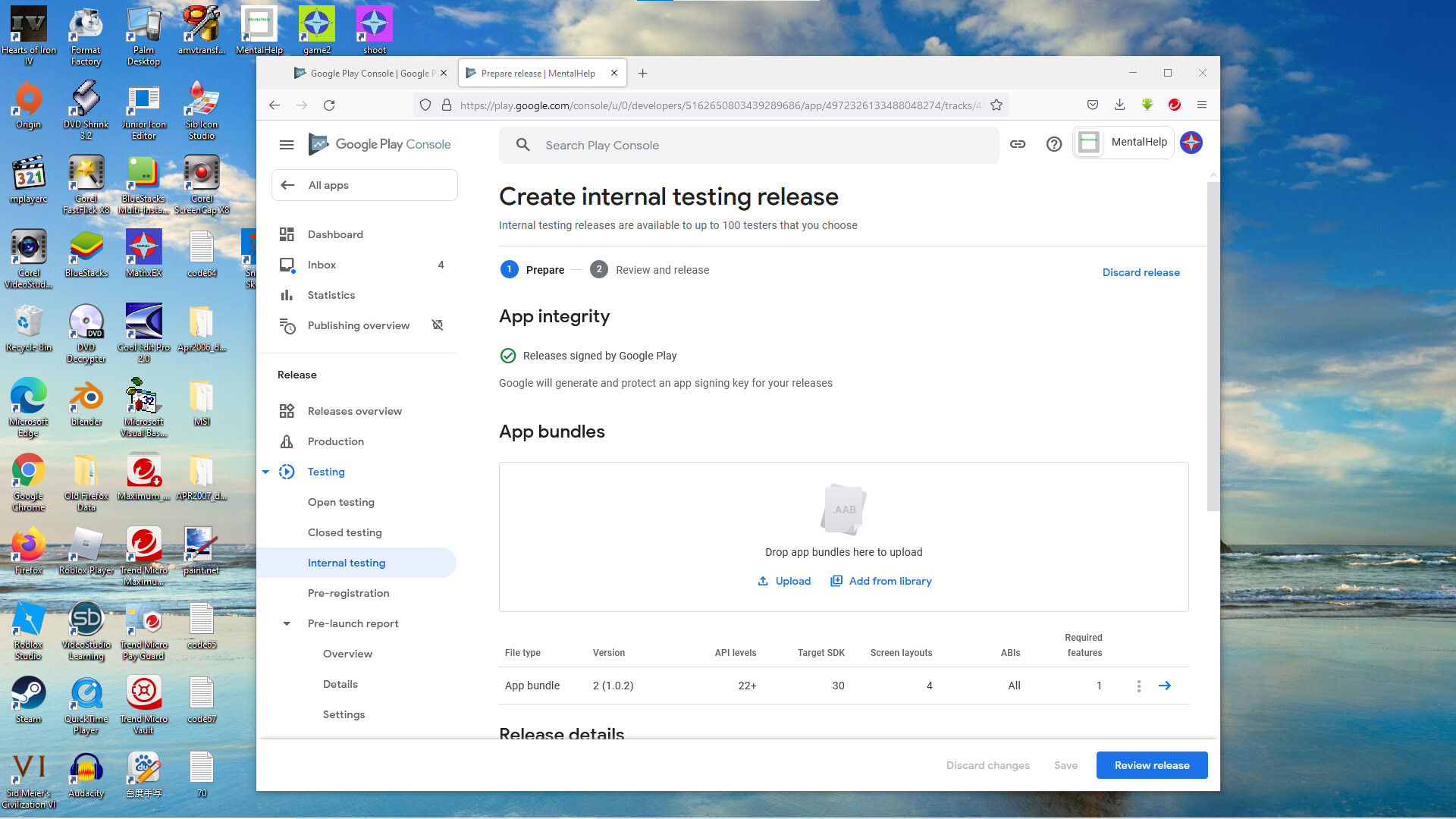
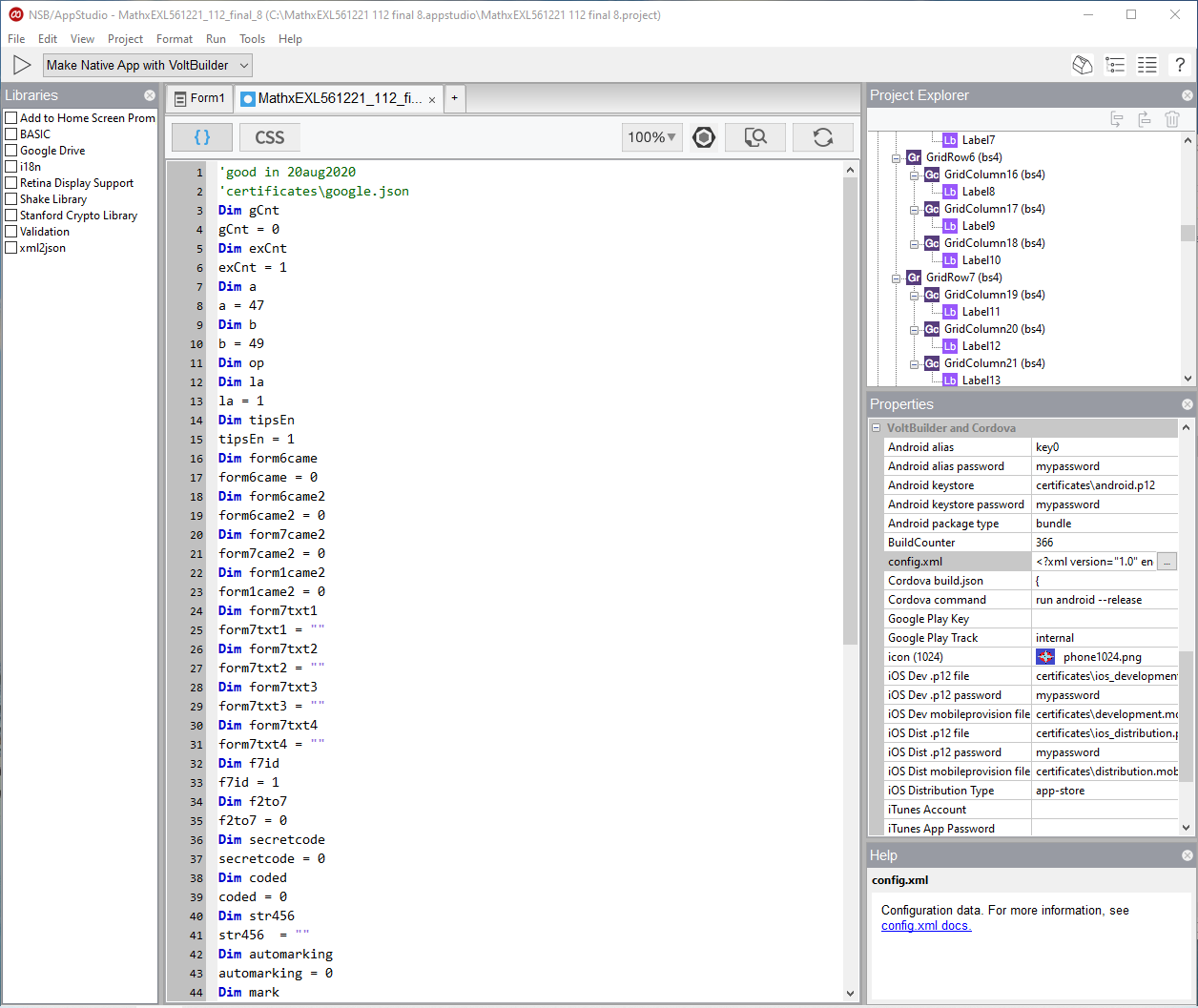
It does look as if you’re using google app signing. What that means is that the keys you signed your app with are considered upload keys rather than app signing keys by google. Your upload keys are set with your first upload of this app to the play console - my guess is that you may have uploaded a version with different keys, or with keys that were autogenerated by cordova. If your current keys aren’t working (as it seems) your best bet is to delete the app from the console and recreate it. If you’d rather not do that, then you need to contact google support and give them the fingerprint for your current upload keys - which is more complicated.
Let me know what you decide to do and if I can help.